This is the first firmware to use a new, modern file system. So, installing this firmware will erase whatever logs you have in your X2.
The good news is, after you update, it will hopefully be much more reliable to sync your logs to the app.
THINGS TO NOTE
Of course, this is a beta firmware, which has not yet undergone enough testing to release.
Please be aware that there may be freezes/crashes that might happen if you use this firmware. Please report ON THIS FORUM THREAD any issues you find with the beta firmware.
NEW FEATURES
So the firmware 2.0.0-beta1 has:
a new, more reliable filesystem for logs
you can now sync up to 10 (!!!) waypoints from the app!
you can also change waypoints while in aircraft mode! Just press the top/bottom buttons to cycle between waypoints in the aircraft.
Confirmation dialog before exiting skydive mode
HOW TO REVERT BACK TO STABLE FIRMWARE
To revert back to the 1.x versions of the firmware, just use the regular X2 firmware update utility to update it (which you can download from Downloads – AO(N²) ).
DEVELOPMENTS IN PIPELINE
There are more features planned for the 2.0 series of firmware but aren’t on this version yet:
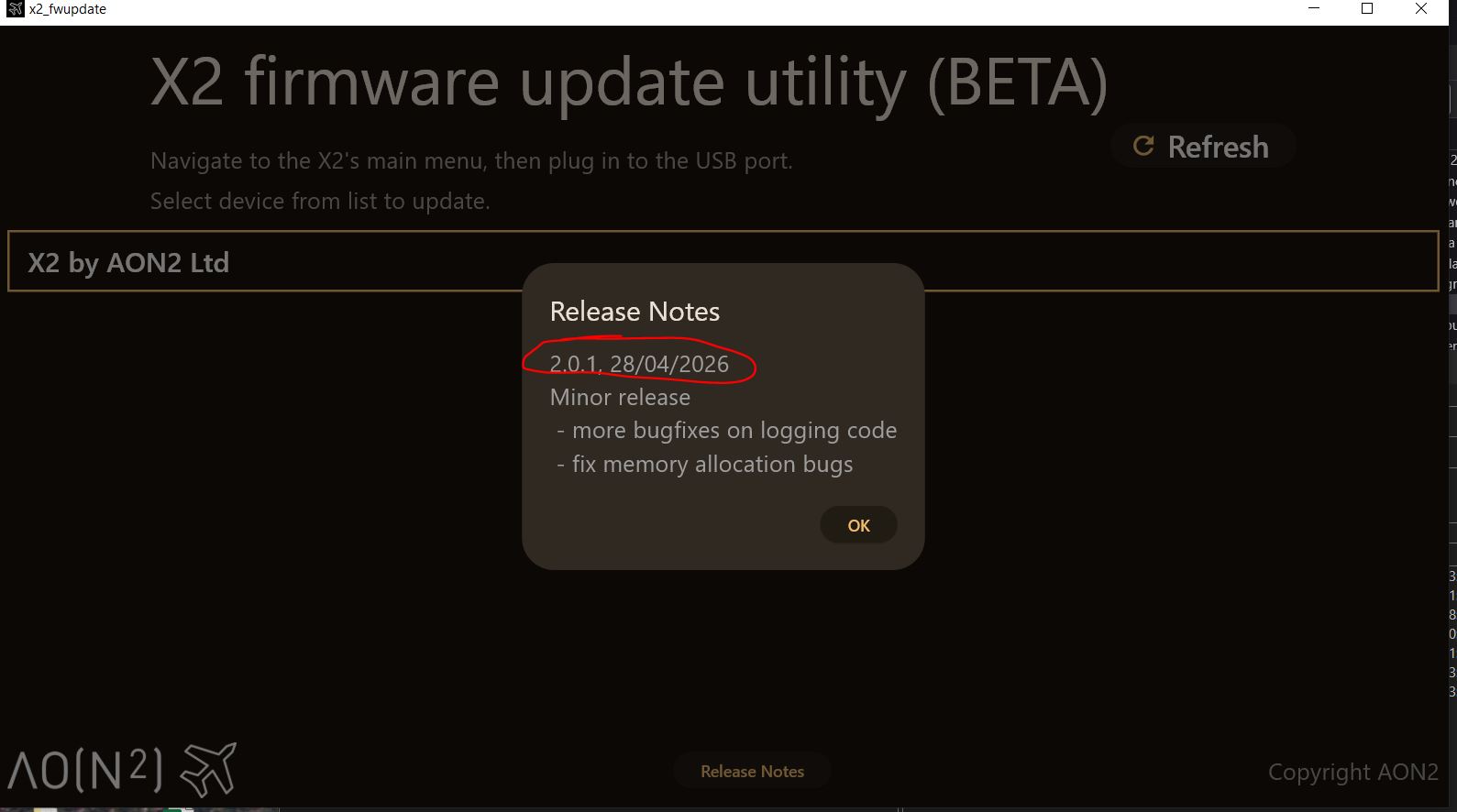
I’ve found a few memory allocation bugs, and I’ve improved the logging code, so the BETA is now 2.0.1. As before, just use the BETA firmware update app to get this, and once the update is complete, going to Settings → System should show 2.0.1.
EDIT:
Upgrading to 2.0.1 from 2.0.0 shouldn’t erase any settings or logs (that only happens if upgrading from 1.x.x)
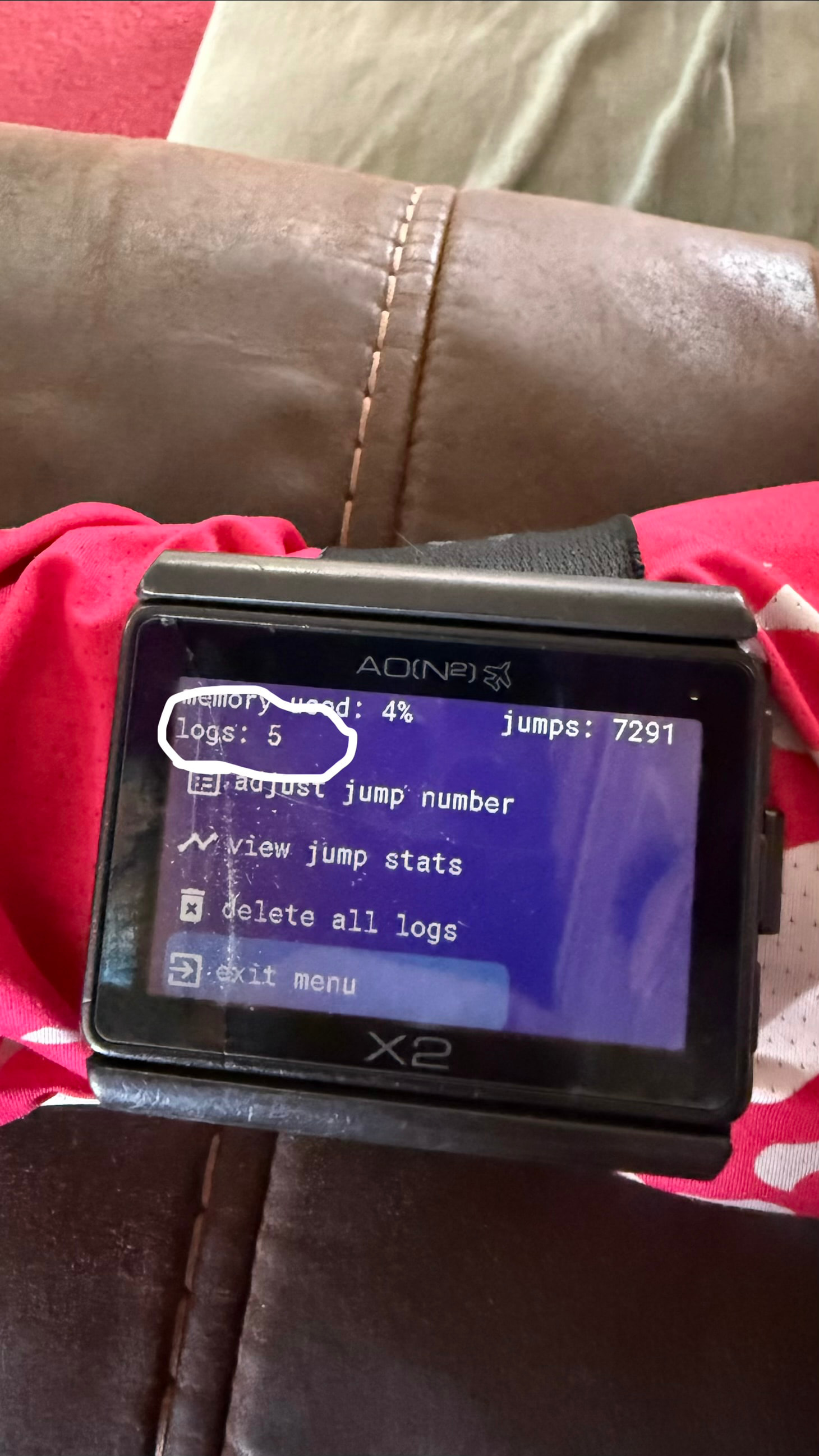
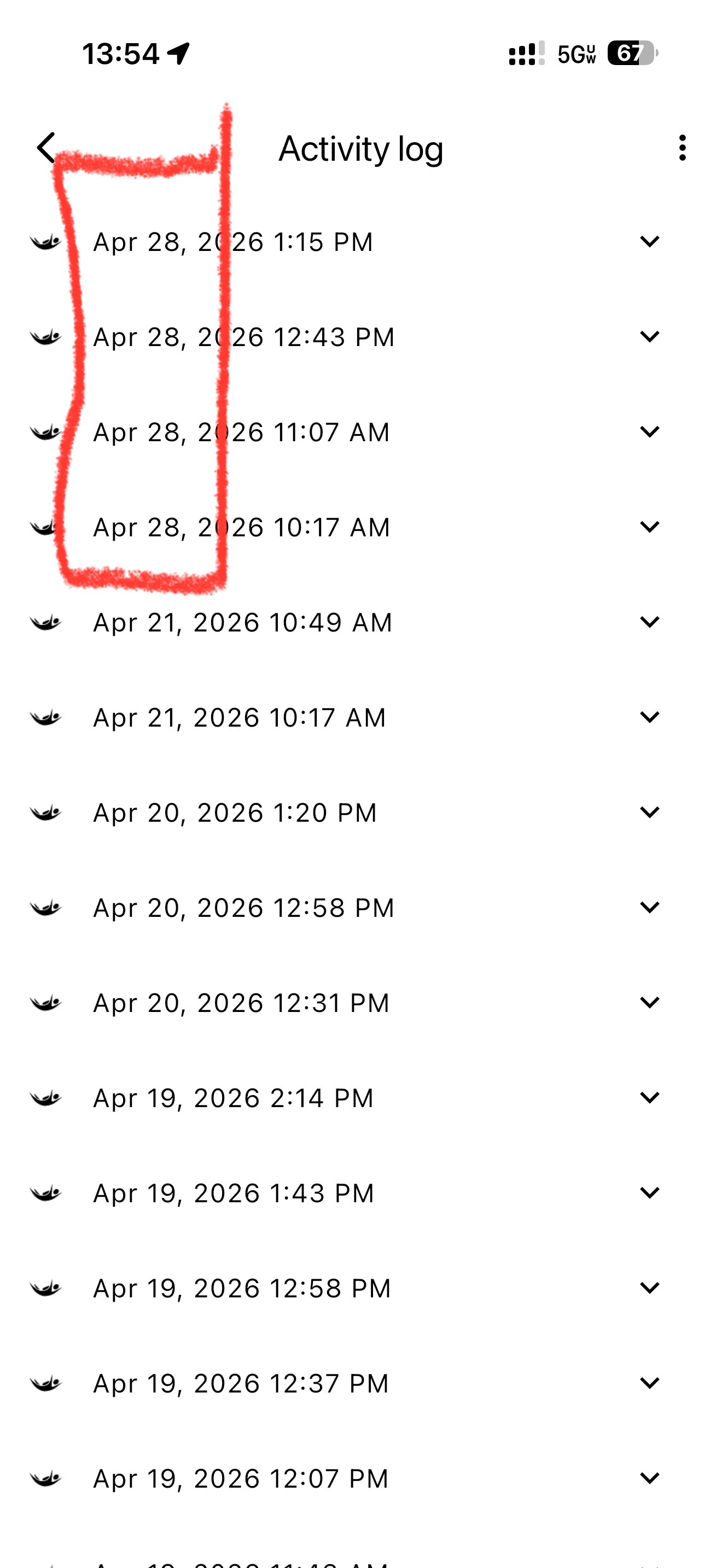
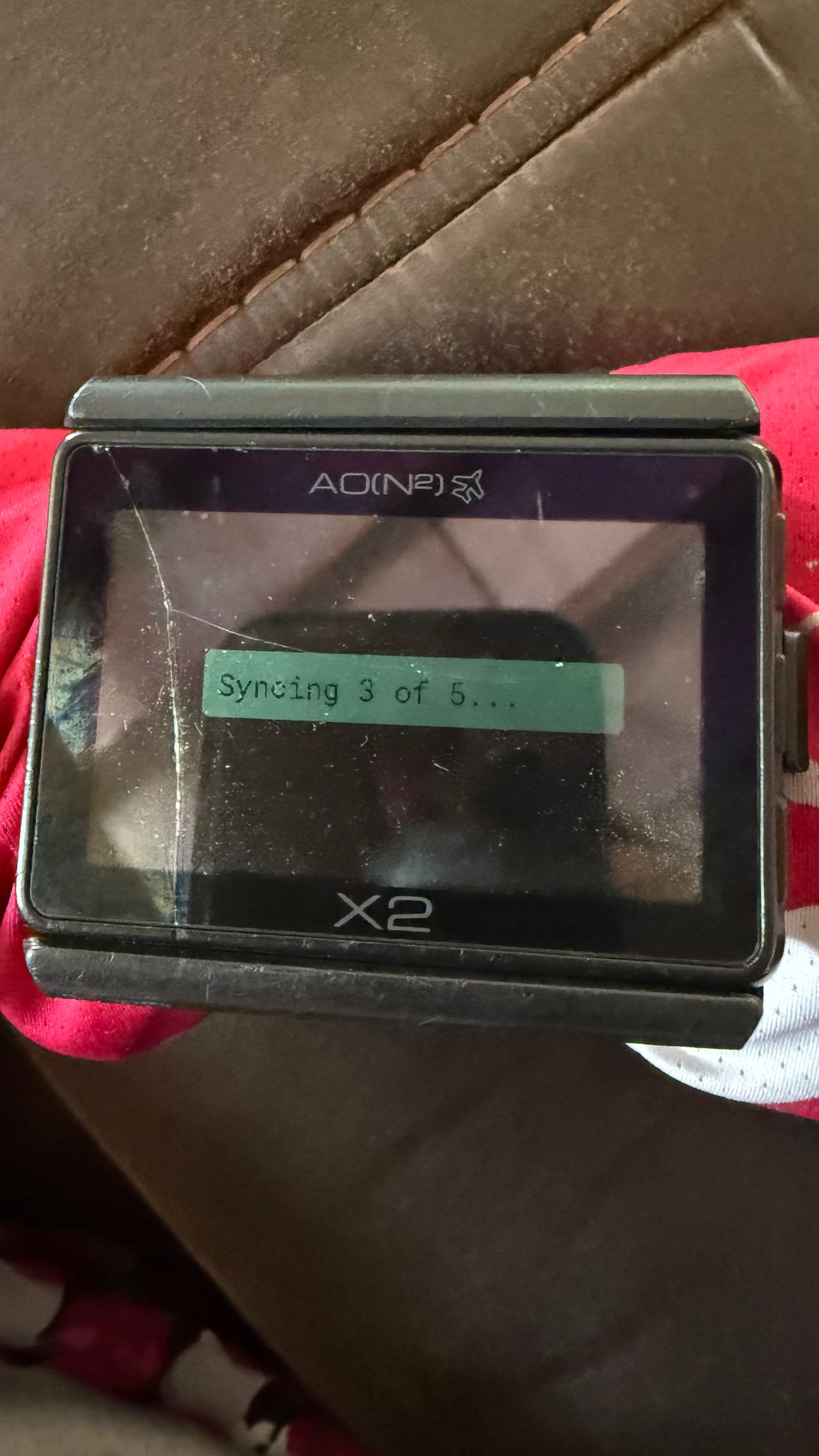
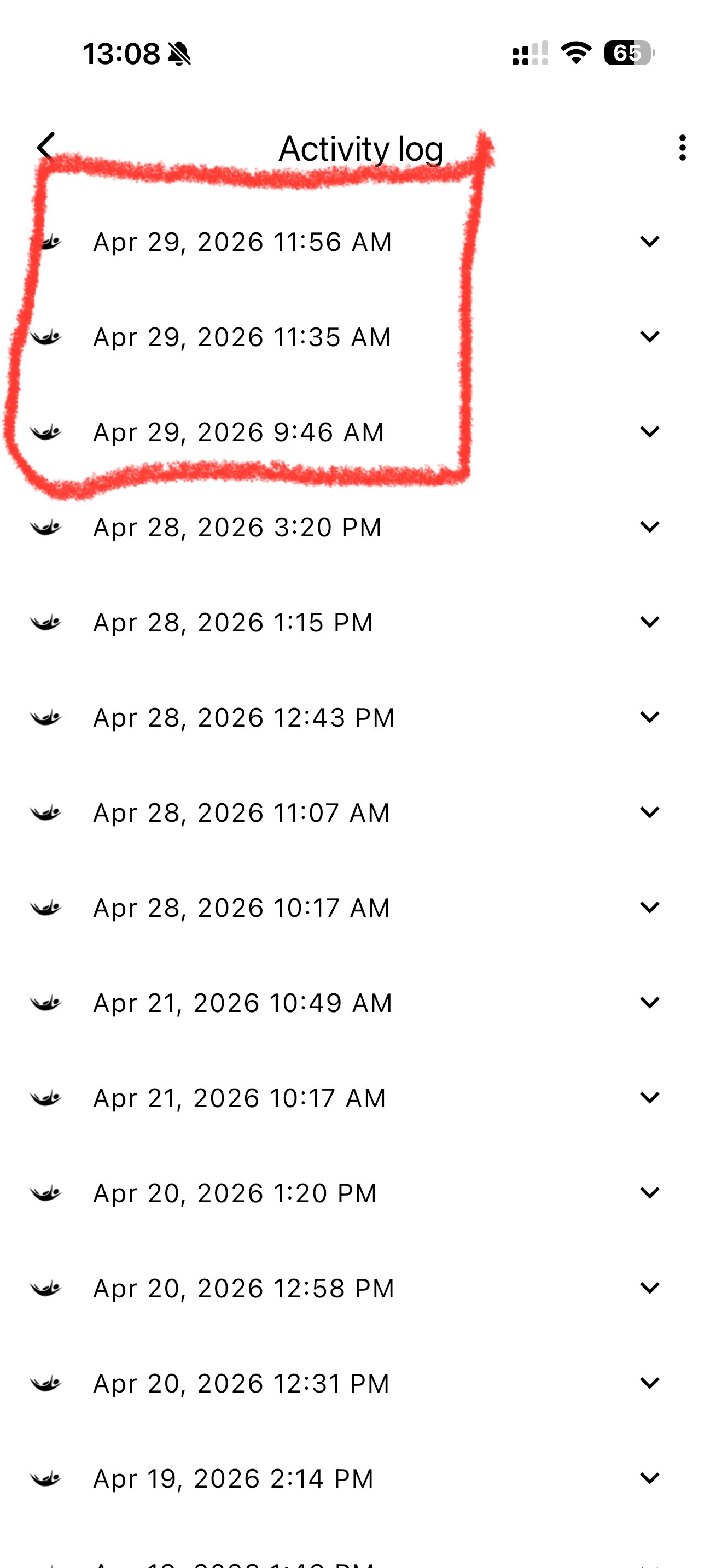
It has started recording the jump logs again; however, I performed 5 jumps—as shown in the image—but it only downloaded 4 of them. I tried downloading them more than once, but on my phone, it still only displays 4 jumps out of a total of 5.
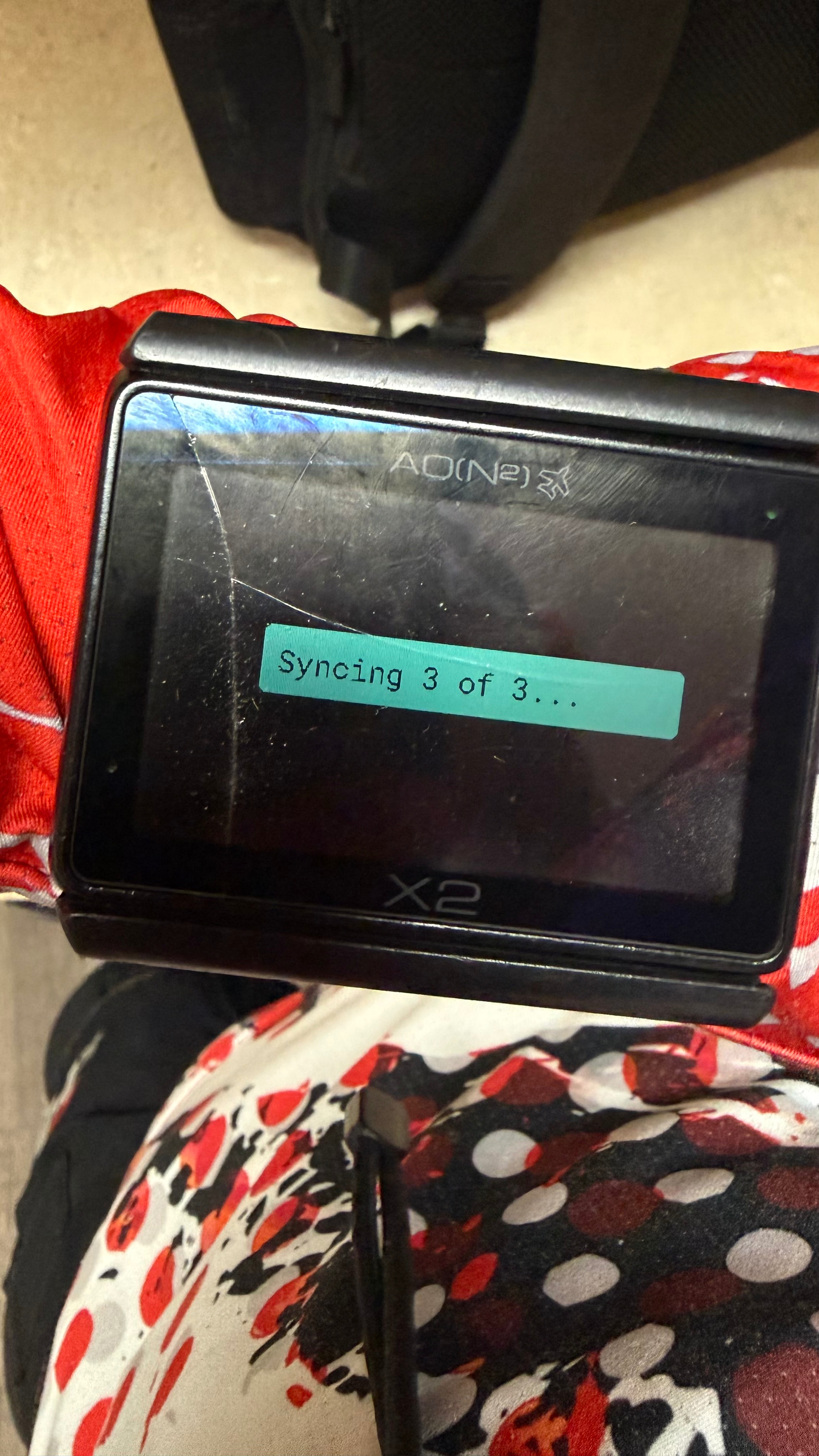
I’m using the new version 2.01, and so far, everything is working fine. I did three jumps today, and all of them were recorded and downloaded to my phone.
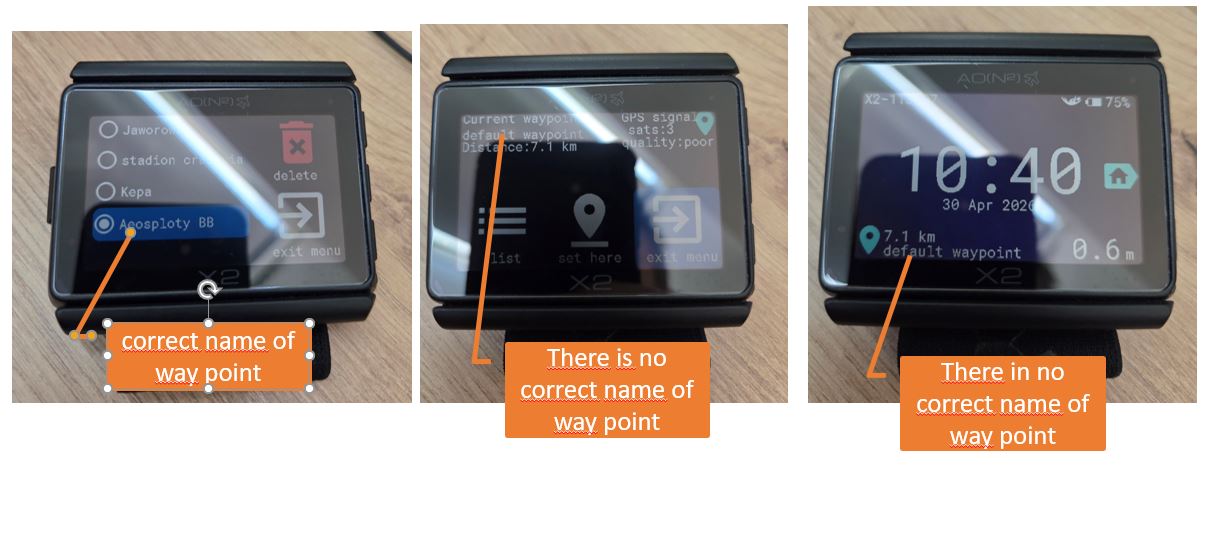
Hi Arthur i noticed that device not show correct name of way point if i choose way point higher than fifth. On the example i choose sixt way point and on main screen and gps screen i see name “default waypoint”. Distans it seems is ok.
I’ve checked this and yes this is a small bug - it shows as “default waypoint” but the actual waypoint is the one you selected. Is the distance showing correct?
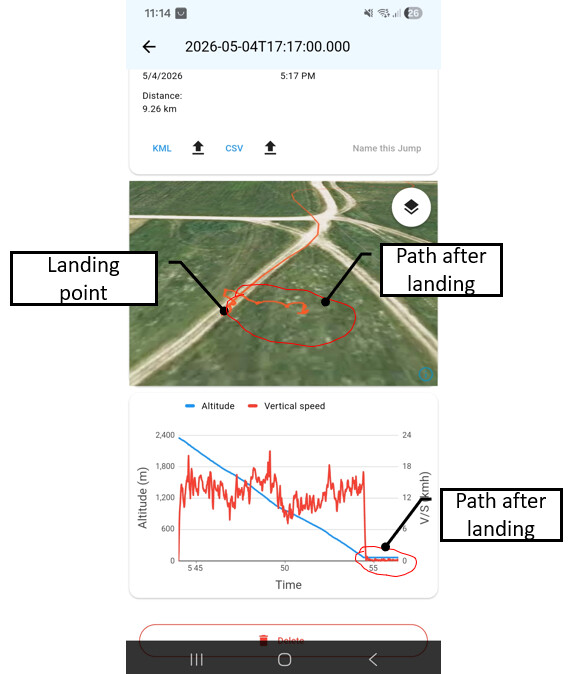
Hi, logging/syncing it seems that it work fine (after few jumps). But I noticed one strange thing. After landing device X2 still registered path (device was still under canopy mode). See picture. FW. 2.0.2 and altitude offset -50m in settings.